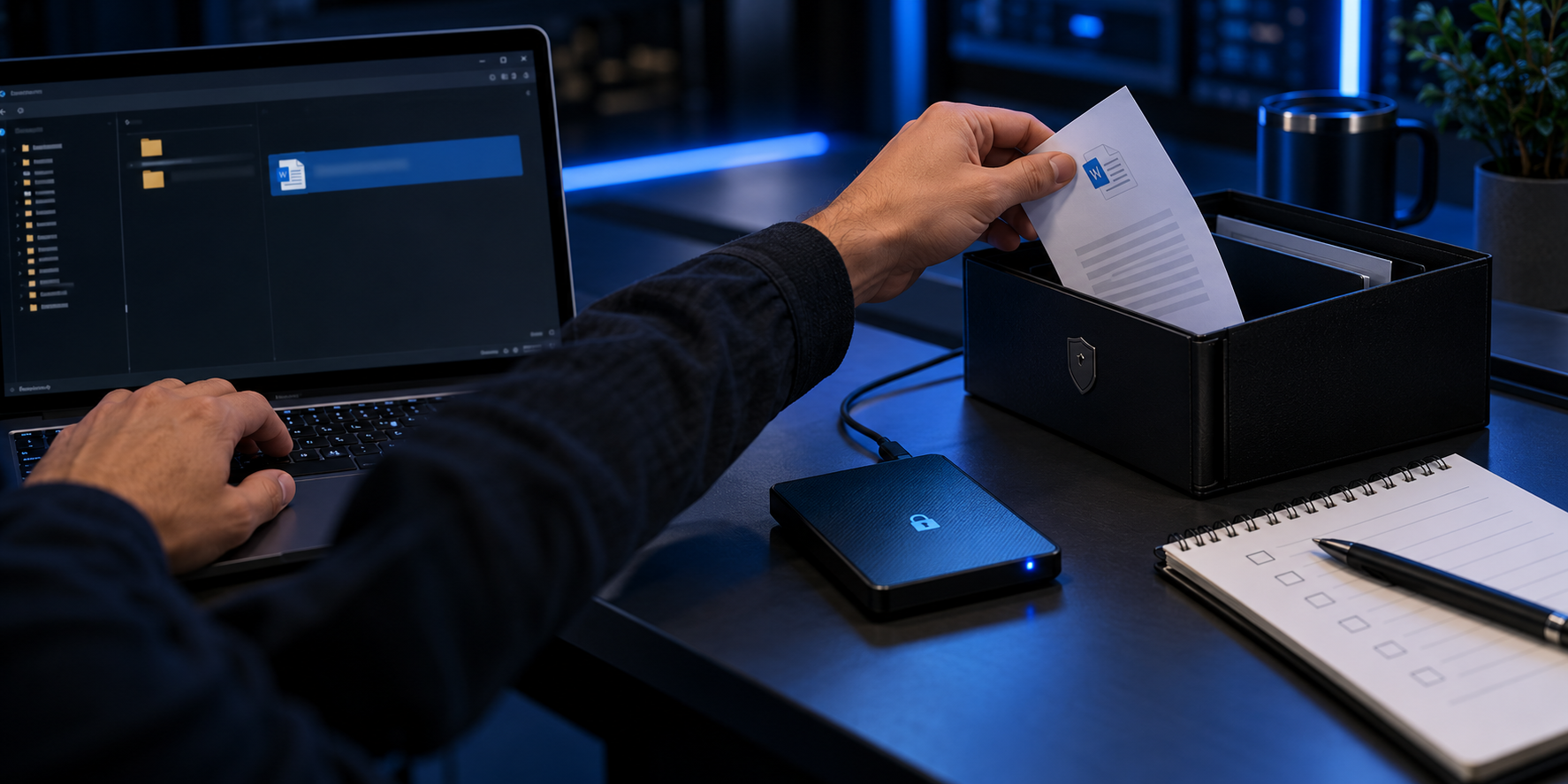
Define the local-copy boundary
A staging folder should exist for a specific task and duration. Use a controlled Windows path, minimize its contents, protect the retained copy only after checking it, and account for previews, recent-file lists and temporary exports.
An authorized employee downloads one named file for a time-limited Windows task, records its source and owner, protects only the approved retained copy and keeps Microsoft 365 permissions authoritative for collaboration.
Run the diagnostic sequence
- 01
Create one named staging location under an accountable owner.
- 02
Copy only the approved file and verify its identity.
- 03
Inspect metadata, comments and unnecessary personal data.
- 04
Move the approved retained copy into the tested protection workflow.
- 05
Remove or retain plaintext residue according to documented policy.
Preserve decision evidence
Record source ID, staging path, operator, start time, contents, verification, protection result, plaintext disposition and completion time.
Stop when
- The staging folder becomes a permanent shared workspace.
- The protected copy has not been reopened and compared.
- Plaintext residue or temp files are unaccounted for.
Keep controls separate
Local encryption does not administer Teams or SharePoint permissions, restore Microsoft 365 versions, guarantee backup, recover unknown passwords or replace enterprise identity management.
Common questions
Does revoking a SharePoint link erase a download?
No. Provider permission changes do not automatically remove a previously downloaded local copy.
Does password reset guarantee access to an old locker?
Do not assume so. Test and document product-specific recovery using non-sensitive files.
Primary references
References support specific boundaries and do not imply endorsement.